|
|
|
|
|
|
|
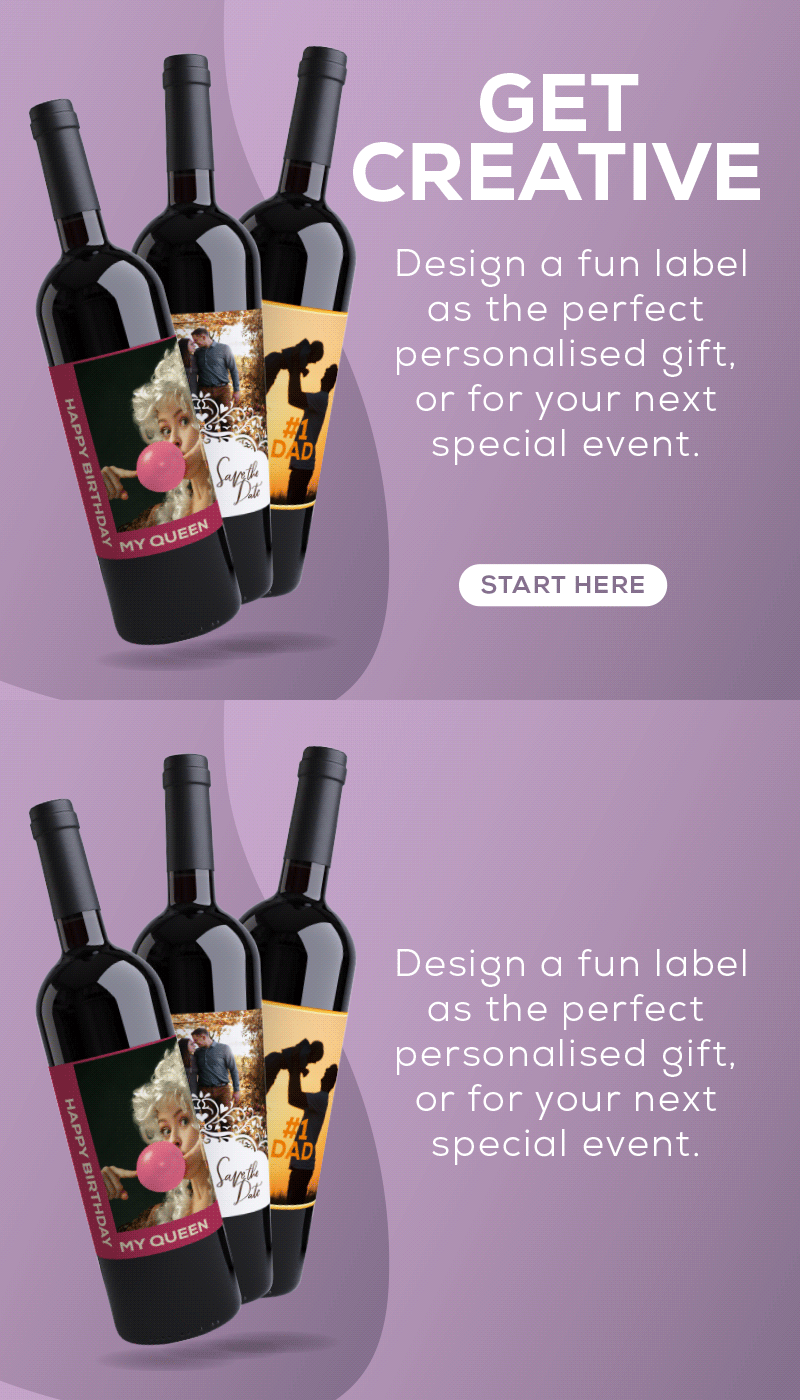
Customising your own wine label for birthdays, family gatherings and special events like Father's day is a lot of fun. It's also quick and easy. Follow these instructions step by step.
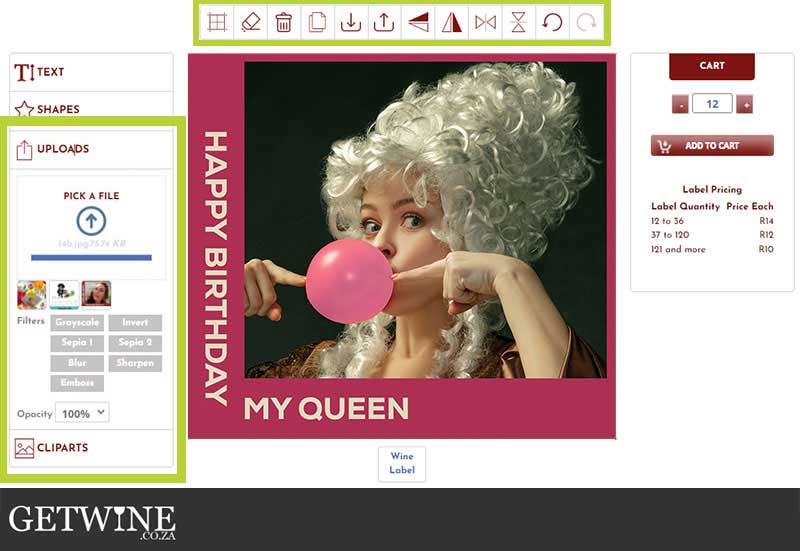
Simply click here to visit our Personalised Labels page, and start designing. See the illustration below: You can import text, shapes and images/photos with the icons on the left-hand side. Upload your own picture or choose a clipart from our collection to form the backdrop.
Alterations, like duplicating, rotating, etc., are made with the icons at the top.
|
 |
|
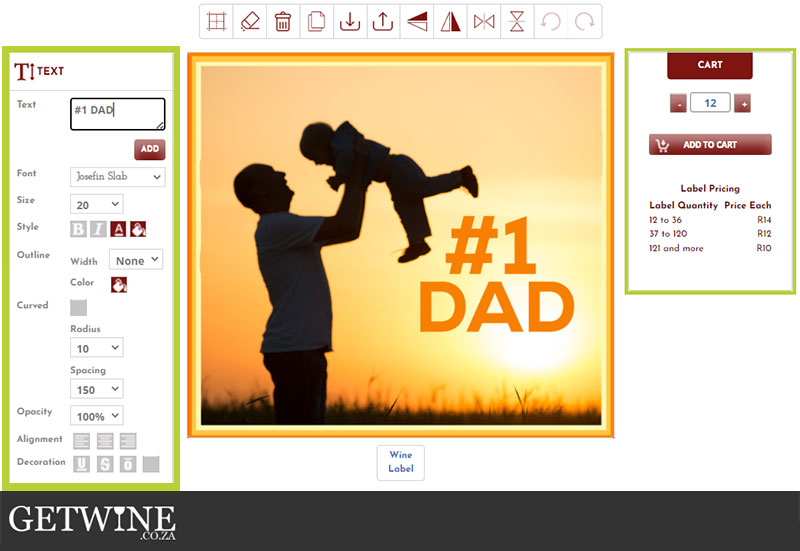
From there you can add text and alter the font, size, and colour, as well as the location. This is illustrated below, in our #1 DAD example.
When you feel the design is complete you use the menu on the right to select the quantity you'd like printed and "add to cart". There is a minimum order of 12 labels per design.
|
 |
|
|
|
|
Don’t forget the wine! We have a large selection of wines on special for you to choose from. Click here to view our specials online.
If you find yourself struggling, remember that we have a designer on hand to assist with your design, as well as wine advisors to help you navigate the wine specials and online store.
Once the order is finalised and placed, we will neatly remove the front label of your purchased wine and apply the personalised label by hand. This process can take about 4 working days, depending on the size of the order, but we will keep you posted as the order progresses.
Looking forward to seeing your work of art. Cheers,
|
|
|
 |
|
Mart-Mari
|
|
|
|
|
|